
Android 12 Overview & Features
There have been many leaks regarding the Android 12 that is Google's next Android OS for Smartphone Market. Google has set to release its Android 12 Operating System later this year of 2021. As of Q1, there is only Developer Preview available, which is still in the stage of development and testing.
Code Name for the Android 12 OS
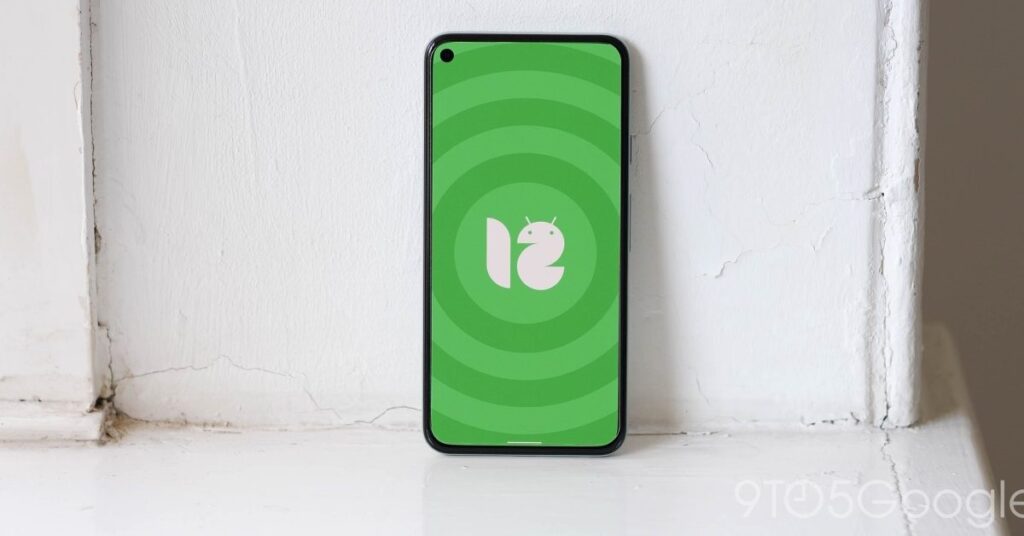
Like we know from the start that Google's naming scheme for Android OS has always been on Desserts in Alphabetical order. The Previous Android OS which was Android 11, didn't have a code name because there was no matching name for Android 11 with disserts name. That is why Google had to skip the name for the Android 11 and was code-named Android R instead. But for the Android 12, the code name may be Snow Cone internally that the rumor suggests. There is no official code name announced for the Android 12 yet because Google has already decided to skip the name for the upcoming Android OS in 2019, but it seems that the Android Code name isn't dead yet.
Android 12 UI & UX ( User Interface and User Xperience )
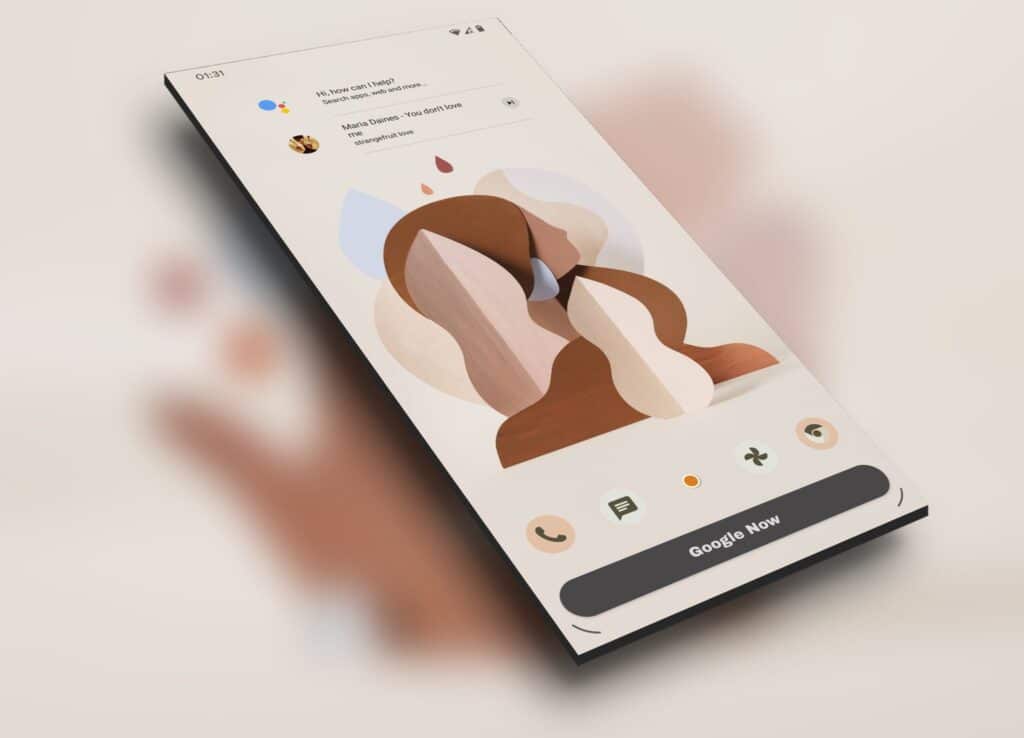
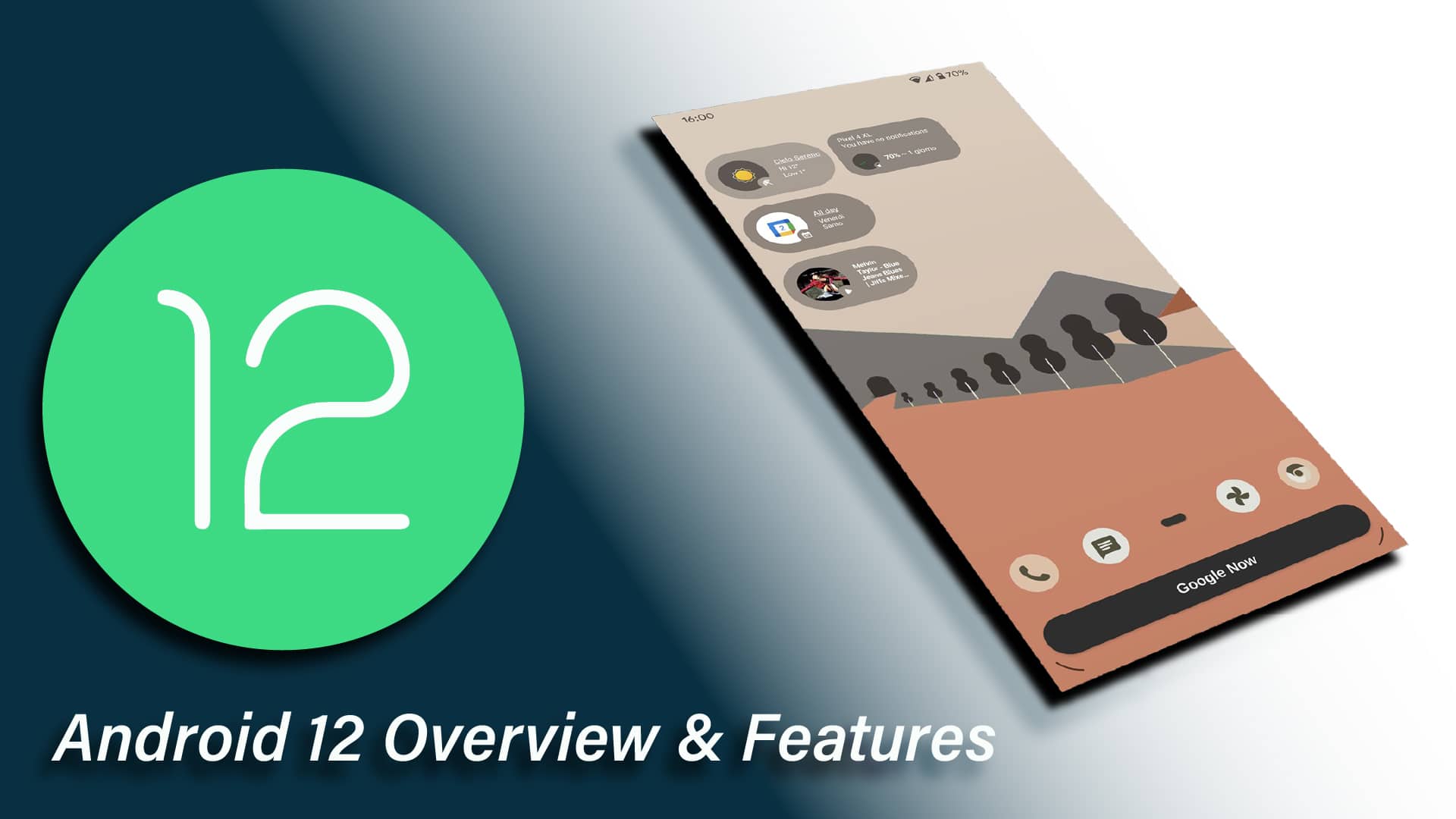
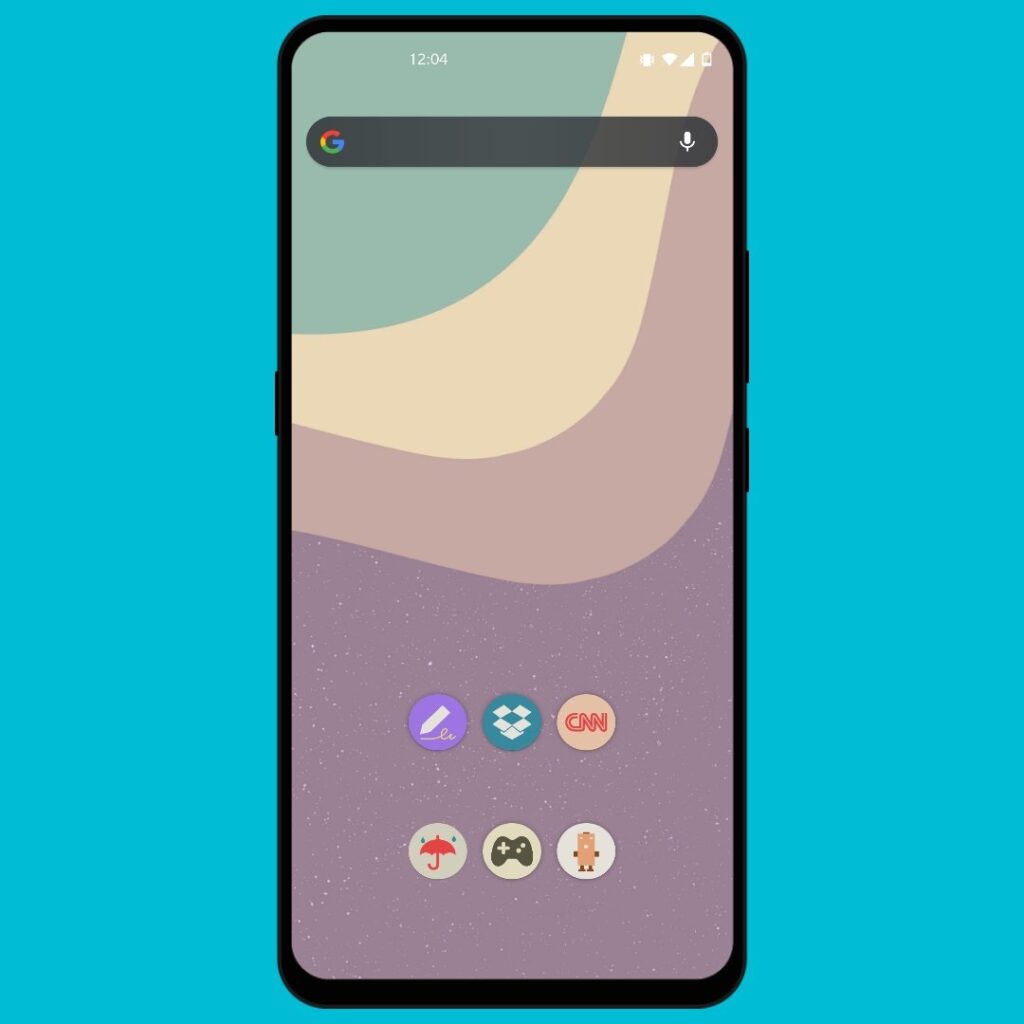
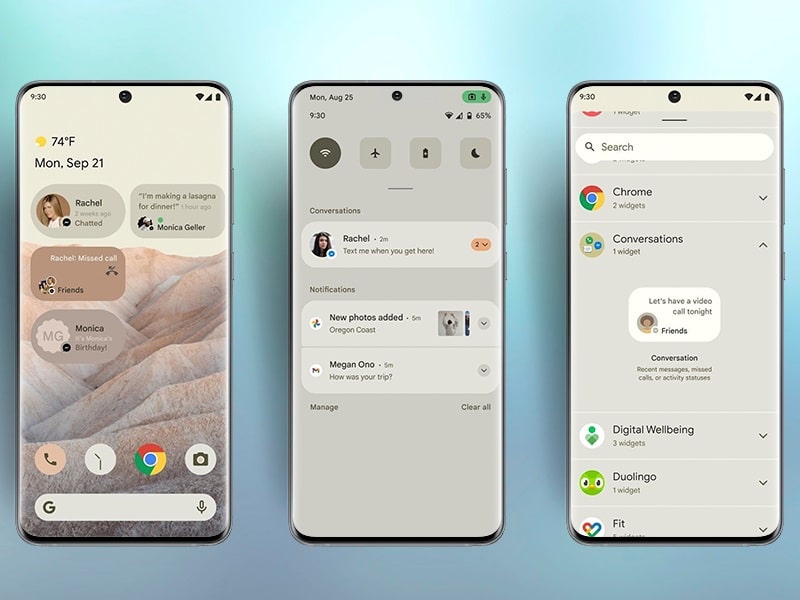
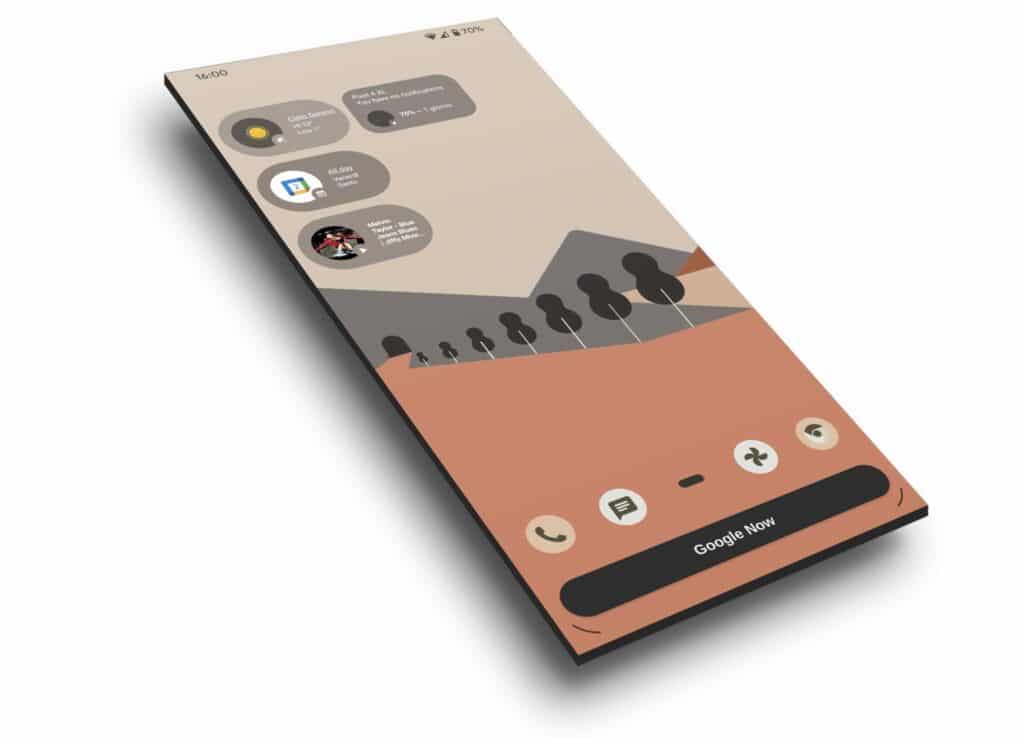
Google has to Redesign the UI for the Android 12, and it is Material design. The material design of Android looks much more attractive and eye-pleasing than the previous versions of Android. The UI of Android 12 is somewhat alike the iOS, but it's not iOS copied.
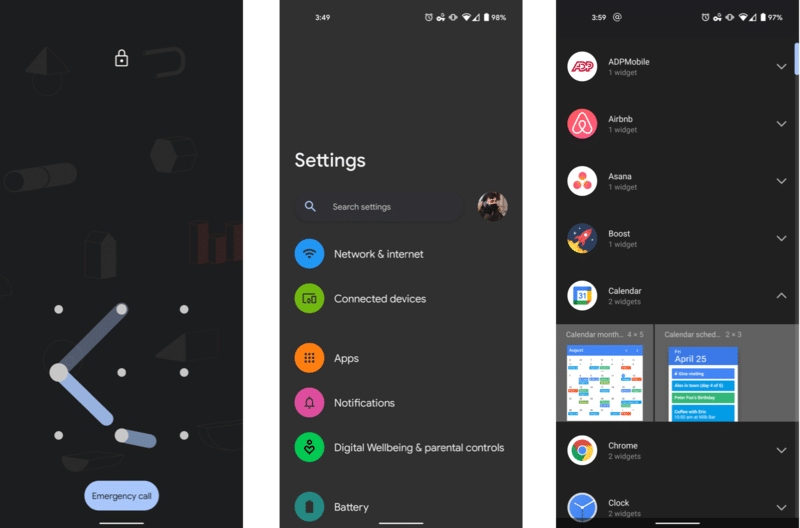
Android 12 User Interface has the best User Interface and User experience because it's now much cleaner than before and much more organized than the previous versions. Android 12 has a separate section for each UI, which leads to a better user interface and user experience.
Features of Android 12
Now let's come to the features of Android 12. There are many features to come with Android 12 OS.
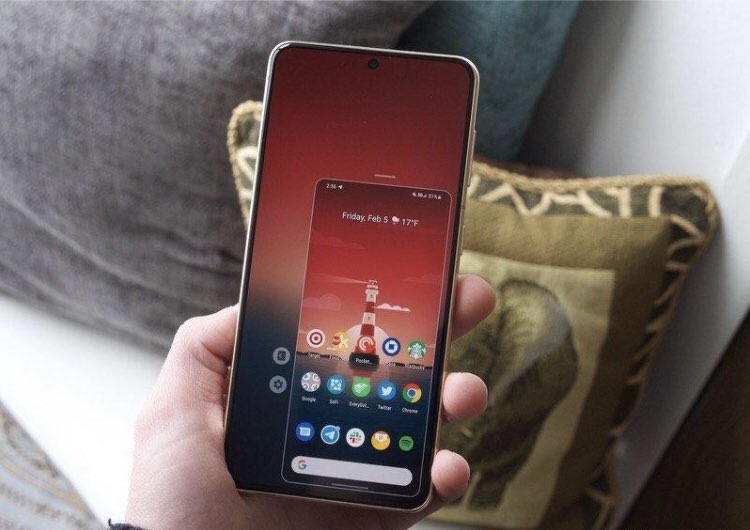
• One-Handed Mode - Google has added One-Handed mode to the Android 12, which makes it easier for people to use phones one-handed rather than holding with both hands to type anything or do any kind of work. Smartphones these days are getting bigger and bigger, which makes sense for this feature to be used more often.
• Scrolling Screenshot - Now, this one is the most amazing feature to come with Android 12. Scrolling Screenshot or Long Screenshots feature isn't new. We have seen it in Custom Skinned UI Android OS like MIUI, Oxygen OS, and Other Skinned Android OS also adopting these features. It is now good that this will be a built-in feature of the Stock Android 12 OS which was available natively before.
• Google Photos Rich Photo Editor - We all know Google Photos right? Google Photos is the default gallery for the Android OS and, it has some photo editing features built-in, just like other Photo editing Apps and Galleries. It will now have more text and markup features, Cut - Crop feature, and others.
• Face based auto-rotate - This is one of the exciting features that will come with Android 12 OS. It will likely use a gyro and front camera to auto-rotate the phone based on your face alignment. The face-based auto-rotate feature detects your face that you are facing towards and will rotate accordingly. Tell us in the comment section what do you think about this feature.
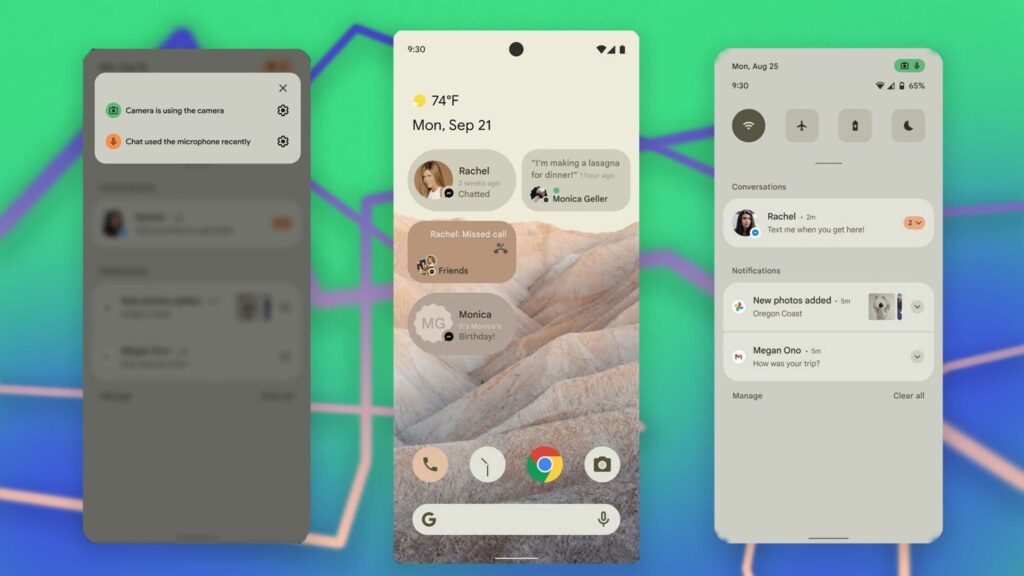
• Enhanced Privacy Feature - These days, Android apps are getting malicious and are spying on users every minute. These apps are recording your audio, video and taking your pictures without your permission. So that's why now this feature will let you will know whenever an app Access your camera or microphone by giving you a mic or camera icon on your status bar to let you know whenever an app is accessing the camera or mic. This feature was also available before but, it was through an App called Access Dots, but now it's a built-in feature in Android 12.
• Restricted Network Mode - This feature is also another feature of Android 12. This feature is essential to stop apps using the internet in the background to avoid excessive internet usage. This feature could be handy where the internet price is high and can save data. This feature was also available before but not in stock on Android. It was available in MIUI, which is a skinned Android on top of Stock Android with Custom UI. But now we are getting this feature built-in in Android 12.
• App Storage Management - This feature is also one of the best ones. This feature is related to managing apps that occupy so much space and even drain the battery. This feature will help users hibernate the app that is important to the user and doesn't even want to uninstall it because of less storage space. So this where it comes in handy. App Storage manager also helps you clearing cached data that is not available for Android 10 & 11.
• AVIF extension Image Support - This is new extension support for Android devices. This AVIF extension promises to improve the image quality over the traditional JPEG without the penalty of the large file size of the image. A Video Codec called AV1 was also introduced in Android 10, and now we are getting the new Image format support with Android 12.
• Conversation Widget - This is a feature for people who does a lot of chats. This feature makes a chat widget of the conversation on the home screen and can chat without actually opening the conversation app. It can help in multi-tasking in a phone with less RAM storage available on the device because widgets don't take up much space than opening the apps.
-
-
-
-
-
-




The Verdict For Android 12
There are also other features available in Android 12 that are not mentioned in this article because these are the only key features of it and the rest are deeply technical. But even so, if you want to check out those features of Android 12, then you can find other articles on Google.
The final verdict is that the Android 12 is going to come with an eye-catching UI, a bunch of features along with new tweaks and optimization, improved notification, an overall material design.


Comments (0)
Syncing authorization...